ApplicationsPreview
Applications
A workspace runs local processes, Docker services, and hosted Linux GUI processes declared in agent-up.json.
Console, metrics, and the database explorer belong to the selected application.
HTTP applications render in a browser view; desktopApplications use a ticketed streamed viewer.
Declare the application in
agent-up.jsonStart the workspace so ports are allocated
Open the application surface
Key
ports[].variable
Where it differs
Desktop
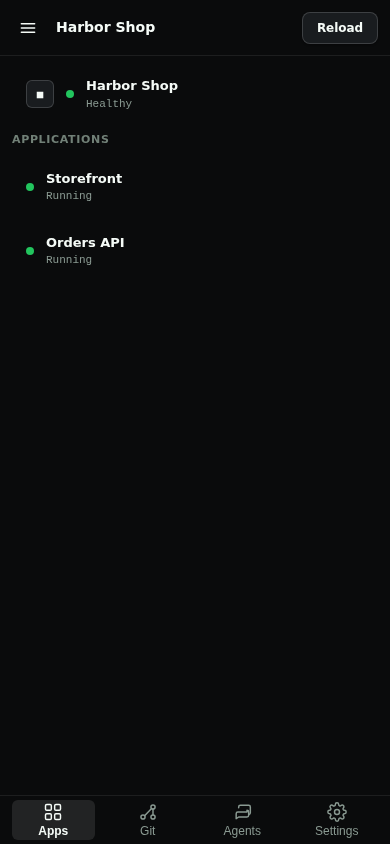
database is true, a Postgres explorer. HTTP ports keep a native view. desktopApplications use a ticketed streamed viewer.Mobile
database: true opens the database explorer instead of a webview. desktopApplications use the streamed viewer.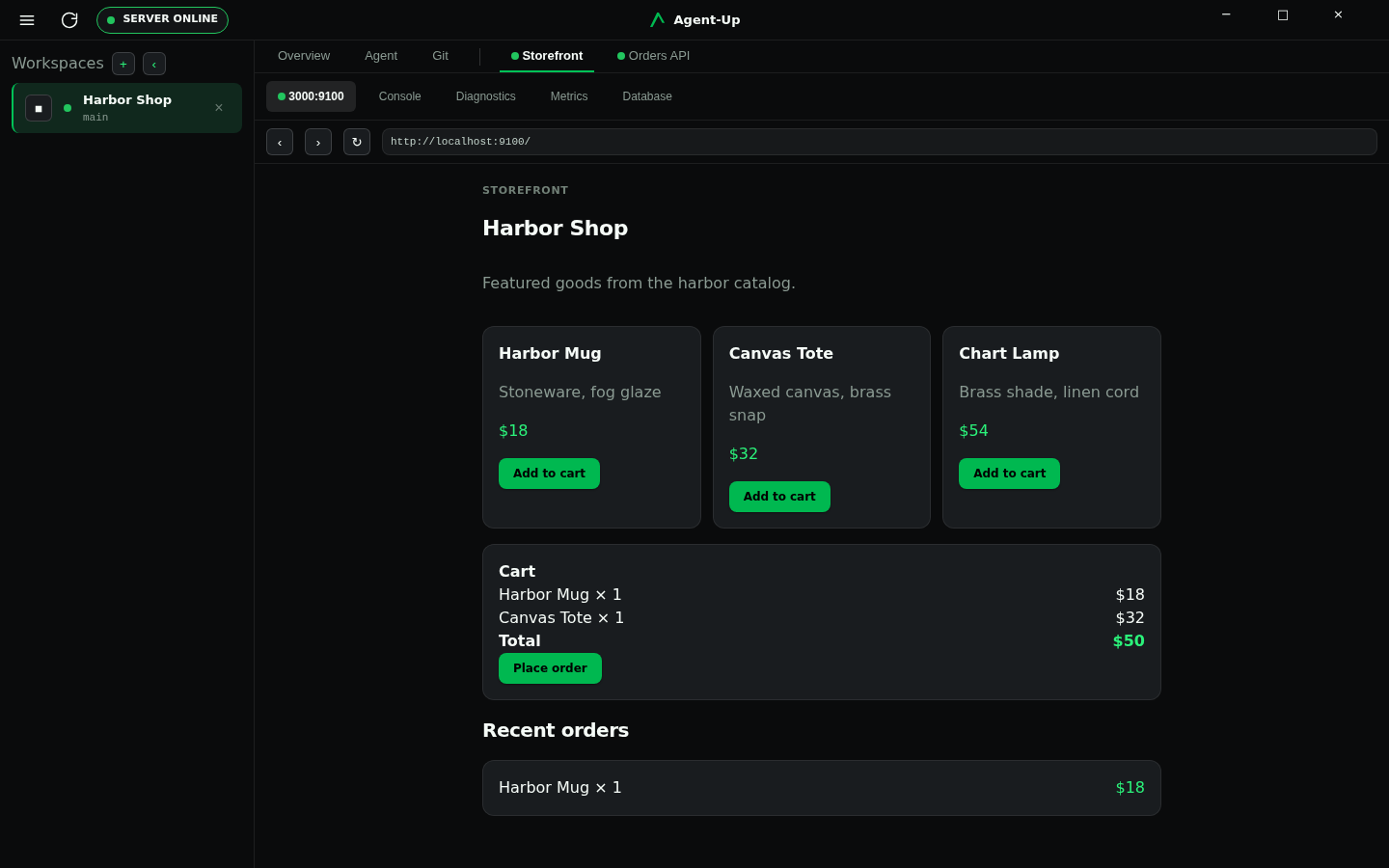
Application tabs
Selecting an application opens Console, Metrics, Diagnostics, and, when database is true, a Postgres explorer. On Mobile, database: true replaces the application webview with that explorer.
The Server owns port allocation and injects the workspace's full allocated port map into each launched local process. Applications should read the relevant environment variables instead of assuming fixed localhost ports.
Docker containers can call host-run applications in the same workspace through host.agent-up when the host-run application listens on an address reachable from Docker's host gateway. A process bound only to 127.0.0.1 is not reachable from containers through this alias. Inline Docker environment values may reference allocated workspace ports with ${VARIABLE}, such as BACKEND_URL=http://host.agent-up:${API_PORT}.
Hosted Linux GUI processes
desktopApplications are Linux graphical applications hosted on Server-owned virtual displays and streamed to Desktop and Mobile. Desktop HTTP application tabs connect directly to ports on a local Server and automatically use the Server's secure application proxy for a remote connection; they do not use the graphical streaming path.
Console and metrics
Application output is a selectable console surface. Prefix install output with [install]. The Server frames process output on newlines, serialises stdout and stderr appends per application, and records stream identity on each console entry. A bounded buffer inserts an explicit [truncated] marker when older lines are dropped. Metrics are declared on a port in agent-up.json (ports[].metrics) and shown as summary cards and time-series charts.