DiagnosticsPreview
Diagnostics
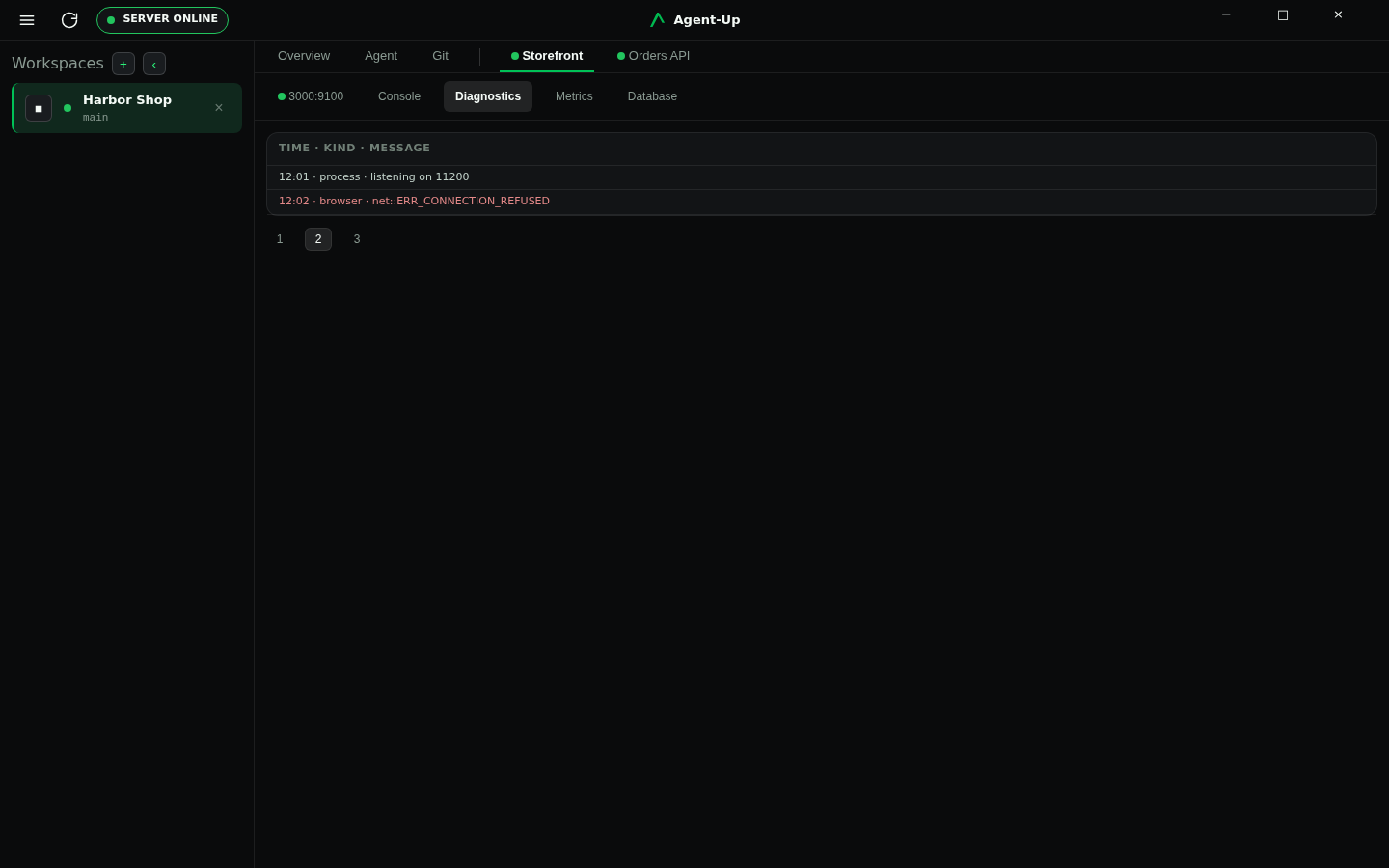
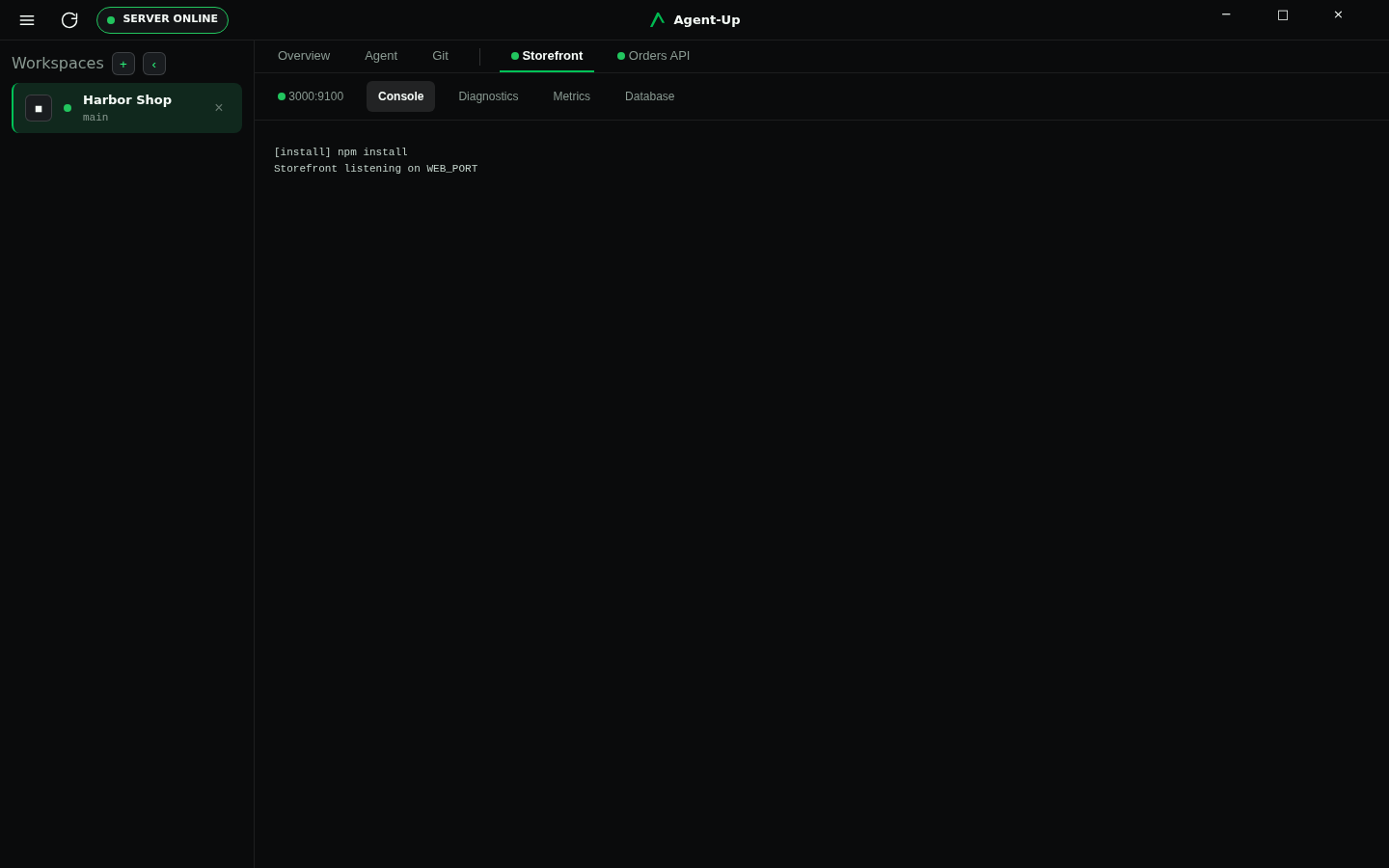
The Server continuously collects console output, JavaScript exceptions, failed network requests, performance timings, health information, and process status for each workspace.
Product crash reporting for Agent-Up itself is separate.
Reproduce the failure in the running workspace
Read the application console
Inspect health, logs, and audit history
Command
agent-up diagnostics
Where it differs
CLI
agent-up diagnostics shows process state plus the readiness signal in use (port, health-check URL, process, or container), recent application logs, and relevant JavaScript, network, and browser errors. Entries are marked active or resolved. agent-up review-snapshot writes one HTML report of the current workspace for someone reviewing an agent task. When verification can run, that report includes the existing verify export as a section.MCP
Call Orchestration MCP
get_workspace_console first after browser failures. If that tool is unavailable, query Audit MCP for recent application events from process. export_workspace_review_snapshot is that same HTML report after an agent task, including the verification export as a section when available, not a substitute for the live workspace.